
How to Change Contact Details in DLD (Remotely)
The owner must send a request by email to customercare@altaresh.net as follows (emails are accepted only from the owner or their official Power of Attorney (POA) holder):
- A copy of the Emirates ID (front and back) for UAE residents, or a clear scanned copy of the passport for non-residents;
- Proof of identity: a photo of the owner holding their Emirates ID or passport (selfie);
- A copy of the Title Deed / proof of ownership;
- The owner’s email address;
- The owner’s mobile phone number (for residents, a UAE number is mandatory / for non-residents, an overseas mobile number).
Fees: AED 20 + VAT (for clients who visit without an appointment).
You can pay the fee online (we will send you a payment link), but this will cost AED 30 (online service + payment gateway). In addition, 0.8% for local transfers and 2.5% for international transfers apply.
Total for a local payment: AED 52.92
Total for an international payment: AED 53.82
Alternatively, you can visit the office in person with the original ID document to update the details and pay the fee without gateway charges.
Note: If the request is to change the owner’s name or nationality, please attach the Emirates ID (old and new, if available) / the new passport and the old passport, in addition to an embassy letter attested by the UAE Ministry of Foreign Affairs (MOFA).
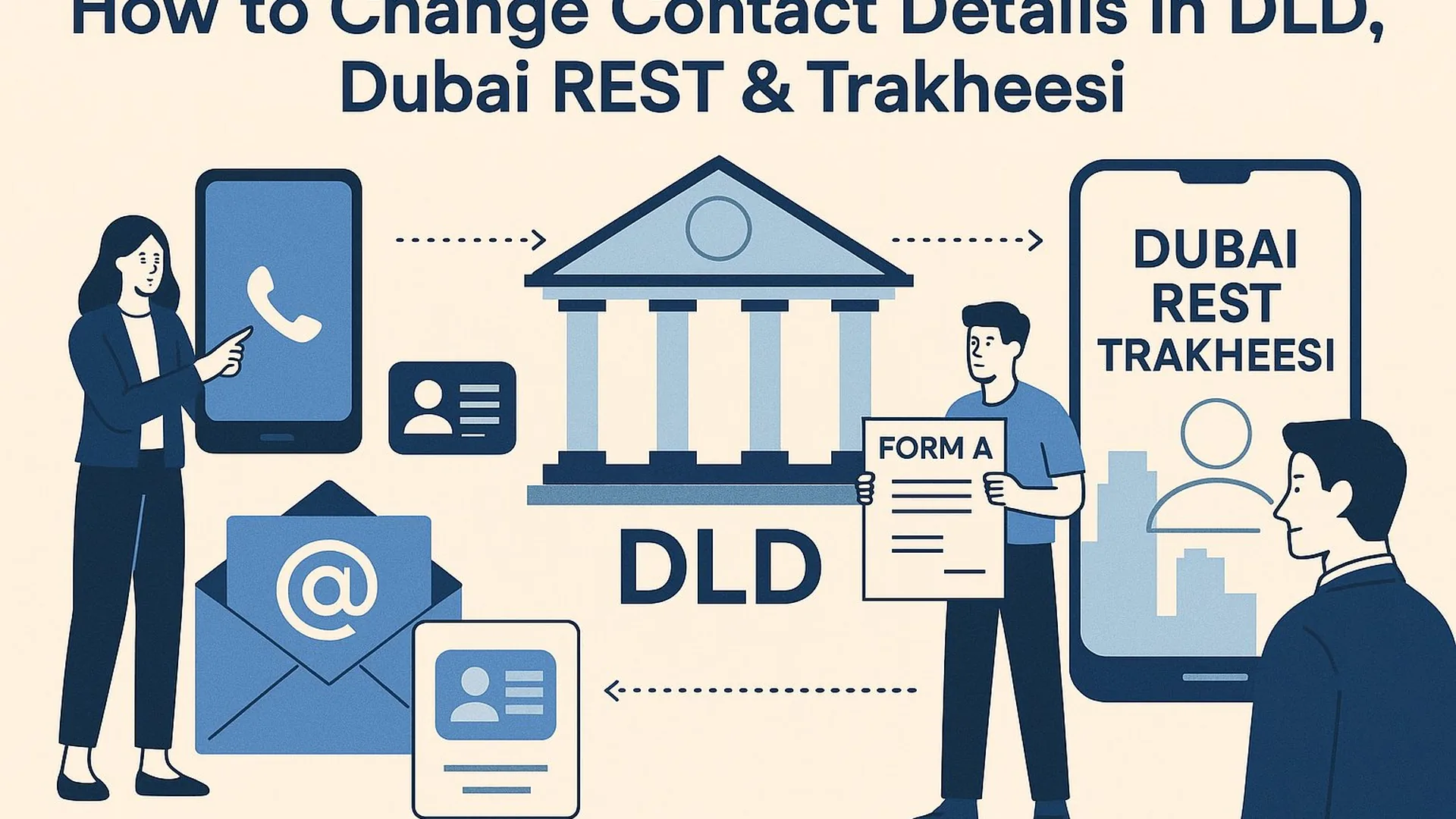
In Dubai, your contact details (phone/email) can exist on several “layers” at the same time:
- Owner contact details in the DLD database (critical for transactions, Unified Contracts A–B–F, DLD services, and trustee procedures).
- The mobile number linked to your digital identity / Emirates ID (often affects login/OTP in apps and eServices).
- Your Dubai REST profile (typically connected to digital identity/login and DLD data).
- Trakheesi (broker/company profile and access to professional services).
Contents
- Quick scenario picker: what exactly do you need to change?
- 1) How to update owner contact details in DLD (owner data)
- 2) If the owner is outside the UAE: what to do
- 3) If the issue is OTP/login: update your number via ICP
- 4) Dubai REST & Trakheesi: practical order of actions
- FAQ
- Official sources
PDF shortlist · updated 27 October 2026
New Dubai projects of October 2026
30 projects · prices from DLD and developers
-
 Rise By Athlon 1 Wadi Al Safa 5 · 1–3 BR
from AED 1,412,000
Rise By Athlon 1 Wadi Al Safa 5 · 1–3 BR
from AED 1,412,000
-
 Zuha Island Villas World Islands
from AED 68,000,000
Zuha Island Villas World Islands
from AED 68,000,000
-
 Weybridge Gardens Phase 5 by Leos Developments Dubailand Oasis
from AED 756,782
Weybridge Gardens Phase 5 by Leos Developments Dubailand Oasis
from AED 756,782
27 more in the PDF: prices, handover dates, payment plans
The PDF opens instantly. Refreshed monthly from DLD data.
Quick scenario picker
- You need to change the owner’s phone/email inside DLD (for Form A / Form F, transactions, DLD services) → go to Section 1.
- You’re not receiving OTP / login is tied to an old number → first check ICP mobile number update.
- The owner is outside the UAE → go to Section 2 (remote request via trustee under DLD rules).
1) How to update owner contact details in DLD (owner data): the official route
In the official DLD ecosystem, owner data updates are handled via Real Estate Services Trustee Centers (Property Trustee). In the trustee services description, you can find services such as amendment of the data of a person/entity (i.e., updating an individual’s/company’s details).
Key rule: changes to owner data should be initiated by the owner or an official Power of Attorney (POA) holder. A broker should not assume they can “rewrite” an owner’s contact details on the owner’s behalf (this is exactly what was tightened under unified contracts).
Steps (if the owner is inside the UAE)
- Open the official list of Property Trustee (verified centers) and pick a convenient office by location.
- The owner (or POA holder) visits the trustee center and requests an amendment/update of contact details.
- After the update, return to Form A / Form F / your required DLD service: the system should stop “holding on” to old contact data.
Official DLD page with verified Property Trustee centers (and office contacts): DLD — Property Trustee Centers (official list)
2) If the owner is outside the UAE: how to proceed remotely (owner/POA)
In practice, DLD guides users to: choose a trustee center from the official list and communicate using the trustee’s published contacts. Typically, the request is accepted only from the owner or an official POA holder.
What is usually required (to avoid rejection or back-and-forth)
- Identity document: Emirates ID (for residents) or passport (for non-residents).
- Identity confirmation (often a selfie holding the ID/passport to prevent impersonation).
- Property document/reference (e.g., title deed / ownership details) so the trustee can match the owner to the asset.
- New contact details: email and mobile number (confirm the exact format required by the selected trustee).
- If represented by POA: a POA package that meets DLD requirements.
How to choose a trustee for a remote request
Go to the official Property Trustee list and select an office. Office cards include phone numbers and emails. For example, “Al Taresh Property Trustee” shows contact details in the DLD list. Important: the email should be sent by the owner/POA, not the broker.
Official list of trustee centers and office contacts: DLD — Property Trustee Centers
3) If the issue is OTP/login: update your number via ICP (Emirates ID / digital identity)
If you see symptoms like “all services are tied to an old number” or “OTP is not coming”, this is often not a DLD “data problem”, but an Emirates ID / digital identity mobile-number issue. On DLD’s side, this is explicitly framed as: Update your mobile number through ICP portal.
Official entry point referenced by DLD: ICP Smart Services — update mobile number
After updating your number in ICP, it usually makes sense to:
- log out and log back in to Dubai REST / eServices,
- redo verification (if required),
- and only then (if the issue remains) contact DLD support.
4) Dubai REST & Trakheesi: practical order of actions
Dubai REST
- If the problem is specifically “OTP/login number”, start with updating your number via ICP.
- If the problem is “owner/property data in the system”, proceed via Property Trustee.
Trakheesi
- If Trakheesi shows outdated contacts/profile data, follow the same principle: fix the “source” first (ICP for mobile number, trustee for owner data), then re-check the profile.
- If the data still doesn’t refresh after the source is corrected, contact official DLD support.
DLD support contacts (as commonly provided in DLD communications): 8004488 and email: support@dubailand.gov.ae
See also: how to verify a Dubai property listing: Trakheesi permit, Madmoun QR, BRN.
FAQ
Can a broker update the owner’s phone/email in DLD?
Under current unified contracts practice, the safe assumption is no: contact details must be updated by the owner or an official POA holder. Brokers should treat this as a mandatory step before Form A / a transaction.
Where do you go in Dubai to update an owner’s contact details?
Use a verified Property Trustee center from the official DLD list: Property Trustee Centers
If the owner is abroad, what should they do?
Choose a trustee center from the official list and follow the remote scenario: the request should be sent by the owner/POA and include documents proving identity and authority.
If OTP doesn’t arrive (Dubai REST / eServices), is it DLD or Emirates ID?
Often it’s the mobile number linked to your digital identity/Emirates ID. DLD points users to update the number via the ICP portal: ICP Smart Services.
Official sources
- DLD — Property Trustee Centers (official verified centers list + office contacts): dubailand.gov.ae (Property Trustee)
- DLD — trustee services description (including amendment of person/entity data): dubailand.gov.ae (Service information)
- ICP Smart Services — update mobile number (entry point referenced by DLD): smartservices.icp.gov.ae
PDF shortlist · updated 27 October 2026
New Dubai projects of October 2026
30 projects · prices from DLD and developers
30 more in the PDF: prices, handover dates, payment plans
The PDF opens instantly. Refreshed monthly from DLD data.